
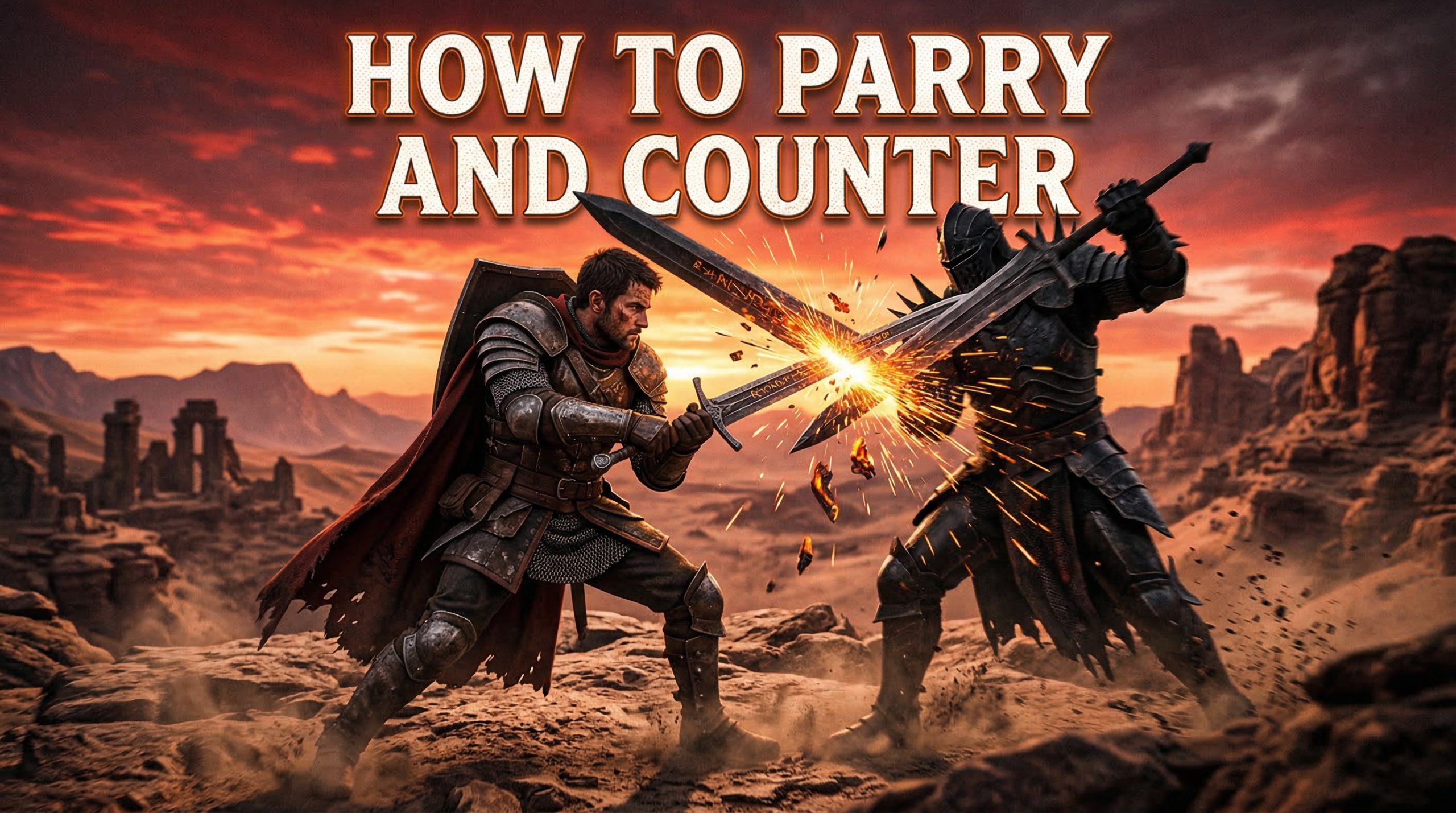
Mastering combat in Crimson Desert means understanding its defensive mechanics inside and out. The difference between surviving a boss fight and getting flattened often comes down to one split-second decision: do you parry, counter, or backstep? After spending 40 hours with the game and testing every defensive option against everything from lowly bandits to towering field bosses, I have put together this complete guide to help you dominate every encounter.
In this guide, you will learn how to unlock the parry ability through the Keen Senses skill, execute perfect parries with precise timing, chain into devastating counters, and use backstep to control the battlefield. Whether you are playing on PlayStation, Xbox, or PC, these techniques will transform how you approach combat in Crimson Desert.
How to Unlock Parry in Crimson Desert
Before you can start deflecting enemy attacks, you need to unlock the parry ability through the Keen Senses skill tree. This is not available from the start of the game, so new players will need to progress through the early story missions first.
The Keen Senses skill is located in Macduff’s skill tree under the Green Spirit category. To unlock it, you will need to spend Abyss Artifacts, which are the primary resource for upgrading abilities in Crimson Desert. You earn Abyss Artifacts by defeating enemies, completing quests, and exploring the open world.
Here is the exact process to unlock parry:
- Progress through the main story until you reach the first camp
- Open the menu and navigate to the Skills section
- Select Macduff’s skill tree and locate the Green Spirit branch
- Find the Keen Senses skill and purchase it with Abyss Artifacts
- Once unlocked, the parry ability becomes available immediately
The initial investment is relatively low, so you should be able to unlock parry within the first few hours of gameplay. I recommend prioritizing this skill early, as it fundamentally changes how you approach combat encounters.
How to Parry in Crimson Desert
Parrying is the foundation of advanced combat in Crimson Desert. When executed correctly, a parry completely negates incoming damage and staggers the enemy, creating a window for you to punish them.
To perform a parry, press the Guard button right before an enemy attack connects. The timing window is tight, roughly 0.3 seconds before impact, but the visual feedback makes it easier to learn. Watch for the enemy’s weapon to flash or glow right before they strike. That flash is your cue to press Guard.
Here is the step-by-step process for executing a perfect parry:
- Face the enemy and wait for them to begin their attack animation
- Watch for the visual cue: a flash or glow on the enemy’s weapon
- Press the Guard button the moment you see the flash
- If timed correctly, you will see a distinct deflection animation and hear a sharp clashing sound
- The enemy will stagger backward, leaving them vulnerable for 2-3 seconds
Unlike blocking, parrying does not consume stamina. This makes it the superior defensive option when you can predict enemy attacks. However, mistiming a parry leaves you completely exposed, so it carries more risk than holding block.
Practice parrying against slower enemies first. The bandits and wolves in the starting area have predictable attack patterns that are perfect for learning the timing. Once you can consistently parry these basic enemies, move on to faster opponents.
How to Counter in Crimson Desert
Counter is the offensive follow-up to a successful parry. While parrying creates an opening, countering turns that defensive moment into a devastating attack that deals bonus damage and can stagger even large enemies.
To perform a counter, press your heavy attack button immediately after a successful parry. The timing is generous, you have about one second after the parry connects to input the counter. This gives you a brief moment to decide if countering is the right choice or if you should use a different follow-up.
The counter attack animation is distinct from regular heavy attacks. Macduff will perform a powerful strike that deals significantly more damage than a standard heavy attack and has extended range. In my testing, counters deal roughly 40% more damage than equivalent heavy attacks.
Step-by-step counter execution:
- Successfully parry an enemy attack using the Guard button
- Wait for the parry animation to complete and the enemy to stagger
- Press the heavy attack button to trigger the counter
- Connect with the counter strike to deal bonus damage and extended stagger
Counter is especially effective against elite enemies and mini-bosses who have high poise. While regular attacks might not stagger them, a well-timed counter will break their stance and leave them open for a full combo.
How to Use Backstep
Backstep is the third defensive option unlocked through the Keen Senses skill tree. While parry and counter reward aggressive play, backstep gives you a safe way to create distance and reset the fight.
To unlock backstep, you need to further upgrade the Keen Senses skill after unlocking parry. This requires additional Abyss Artifacts, but the investment is worth it for the versatility it adds to your defensive toolkit.
Backstep functions as a quick hop backward that has invincibility frames at the start of the animation. This means you can avoid damage entirely if you time it correctly, similar to a dodge roll in other action RPGs. However, unlike rolling, backstep keeps you facing the enemy and ready to counterattack.
The best time to use backstep is when you are unsure of an enemy’s attack timing or when fighting multiple opponents. Against groups, parrying becomes risky because another enemy might hit you during the parry animation. Backstep lets you escape pressure safely.
Stamina management is crucial with backstep. Each use consumes stamina, and unlike parrying, you cannot spam it indefinitely. Make sure you have enough stamina left to backstep again or block if the enemy pursues you aggressively.
Parry vs Counter vs Backstep Comparison
Understanding when to use each defensive option separates good players from great ones. Here is a breakdown of how parry, counter, and backstep compare:
| Ability | Input | Stamina Cost | Risk Level | Best Use Case |
|---|---|---|---|---|
| Parry | Guard button | None | High | Predictable single attacks |
| Counter | Heavy attack after parry | Heavy attack cost | Medium | Maximizing damage after parry |
| Backstep | Dodge button | Moderate | Low | Multiple enemies, unknown patterns |
| Block | Hold Guard | Drains while held | Low | Emergency defense, learning patterns |
Parry offers the highest reward with zero stamina cost, but requires precise timing. Counter adds damage to a successful parry but costs stamina. Backstep is the safest option but does not create offensive opportunities. Block is your fallback when everything else fails.
Controller and Keyboard Button Mappings
One of the most common questions new players have is about the exact button inputs for each platform. Here are the default controls for parry, counter, and backstep across PlayStation, Xbox, and PC.
PlayStation 5 Controls:
- Parry: L1 button (Guard)
- Counter: Triangle after successful parry (Heavy Attack)
- Backstep: Circle button (Dodge)
- Block: Hold L1
Xbox Controls:
- Parry: LB button (Guard)
- Counter: Y after successful parry (Heavy Attack)
- Backstep: B button (Dodge)
- Block: Hold LB
PC Keyboard Controls:
- Parry: Right Mouse Button (Guard)
- Counter: Middle Mouse Button or Q after successful parry
- Backstep: Spacebar (Dodge)
- Block: Hold Right Mouse Button
You can remap these controls in the settings menu if the defaults do not feel comfortable. Many players prefer moving parry to a shoulder button on controller for faster response times.
Tips for Mastering Parry and Counter
After dozens of hours practicing these mechanics, here are the most important tips I wish I knew when starting out.
Learn Enemy Patterns First: Do not try to parry everything immediately. Spend a fight or two just blocking and observing. Learn the tells for each attack type. Every enemy has a specific wind-up animation that signals what is coming.
Watch for the Flash: The weapon flash is the most reliable visual cue for parry timing. Do not watch the enemy’s body or try to predict based on sound. Focus on their weapon and press Guard the instant you see that glow.
Start with Slow Enemies: Heavy armored enemies and large beasts have slower, more telegraphed attacks. These are perfect for learning parry timing. Fast enemies like dual-wielding bandits are much harder to parry consistently.
Counter is Optional: You do not have to counter after every parry. Sometimes a light attack combo or a reposition is better. Save counters for when you need the extra stagger or damage.
Manage Your Stamina: Getting greedy with counters can leave you stamina-broken. Always keep enough stamina for an emergency backstep or block.
Practice the Perfect Response Chain: The ultimate goal is chaining parry into counter into a full combo. This is called the Perfect Response and deals massive damage while keeping you safe. Practice it on dummies or weak enemies first.
Boss Fight Application
Boss fights in Crimson Desert are where your defensive skills get truly tested. The same principles apply, but the stakes are higher and the timing windows are stricter.
Against humanoid bosses like the Iron Brotherhood knights, parrying is extremely effective. Their attacks are well-telegraphed and parrying creates long stagger windows. Counter whenever possible to maximize your damage output during these rare openings.
Large beast bosses are trickier. Some of their attacks cannot be parried and must be dodged. Learn which attacks are parriable through trial and error. Generally, claw swipes and bite attacks can be parried, while charges and area-of-effect slams cannot.
When in doubt during a boss fight, default to backstep. It is better to play conservatively and learn the patterns than to die trying to parry an unparriable attack. Once you know the boss’s moveset, start incorporating more parries.
The final tip for boss fights: patience wins. Bosses have large health pools, so you do not need to maximize every opening. Stay alive, learn the patterns, and chip away. Parry and counter when it is safe, backstep when it is not.
How to Parry and Counter in Crimson Desert: FAQ
What button do I press to parry?
Press the Guard button (L1 on PlayStation, LB on Xbox, Right Mouse Button on PC) right before an enemy attack hits to parry. You must first unlock the Keen Senses skill to access parrying.
How do you unlock parry in Crimson Desert?
Unlock parry by purchasing the Keen Senses skill from Macduff’s skill tree under the Green Spirit branch. You will need Abyss Artifacts, which are earned by defeating enemies and completing quests.
What is the difference between parry and counter?
Parry is a defensive move that deflects attacks and staggers enemies. Counter is an offensive follow-up performed by pressing heavy attack after a successful parry, dealing bonus damage and extended stagger.
How do I get Abyss Artifacts?
Abyss Artifacts are earned by defeating enemies, completing main and side quests, discovering new locations, and looting chests throughout the world of Crimson Desert.
Is parrying better than blocking?
Parrying is better when you can predict attacks since it costs no stamina and creates attack opportunities. Blocking is safer when learning enemy patterns or facing multiple opponents, but drains stamina continuously.
Conclusion
Learning how to parry and counter in Crimson Desert transforms the game from a challenging action RPG into a satisfying combat playground. The Keen Senses skill unlocks a world of defensive options that reward precision and timing over button mashing.
Start by unlocking parry through the skill tree, then practice against slower enemies to learn the timing. Once comfortable, add counters to maximize your damage output. Use backstep when facing uncertainty or multiple foes. With enough practice, you will be deflecting boss attacks and turning defense into devastating offense.
Remember that every expert parrier started exactly where you are now. Keep practicing, stay patient, and soon you will be the one teaching others how to dominate combat in Crimson Desert.